Patches
A simple way to improve living documents together on the Meta-Layer.
What is a patch?
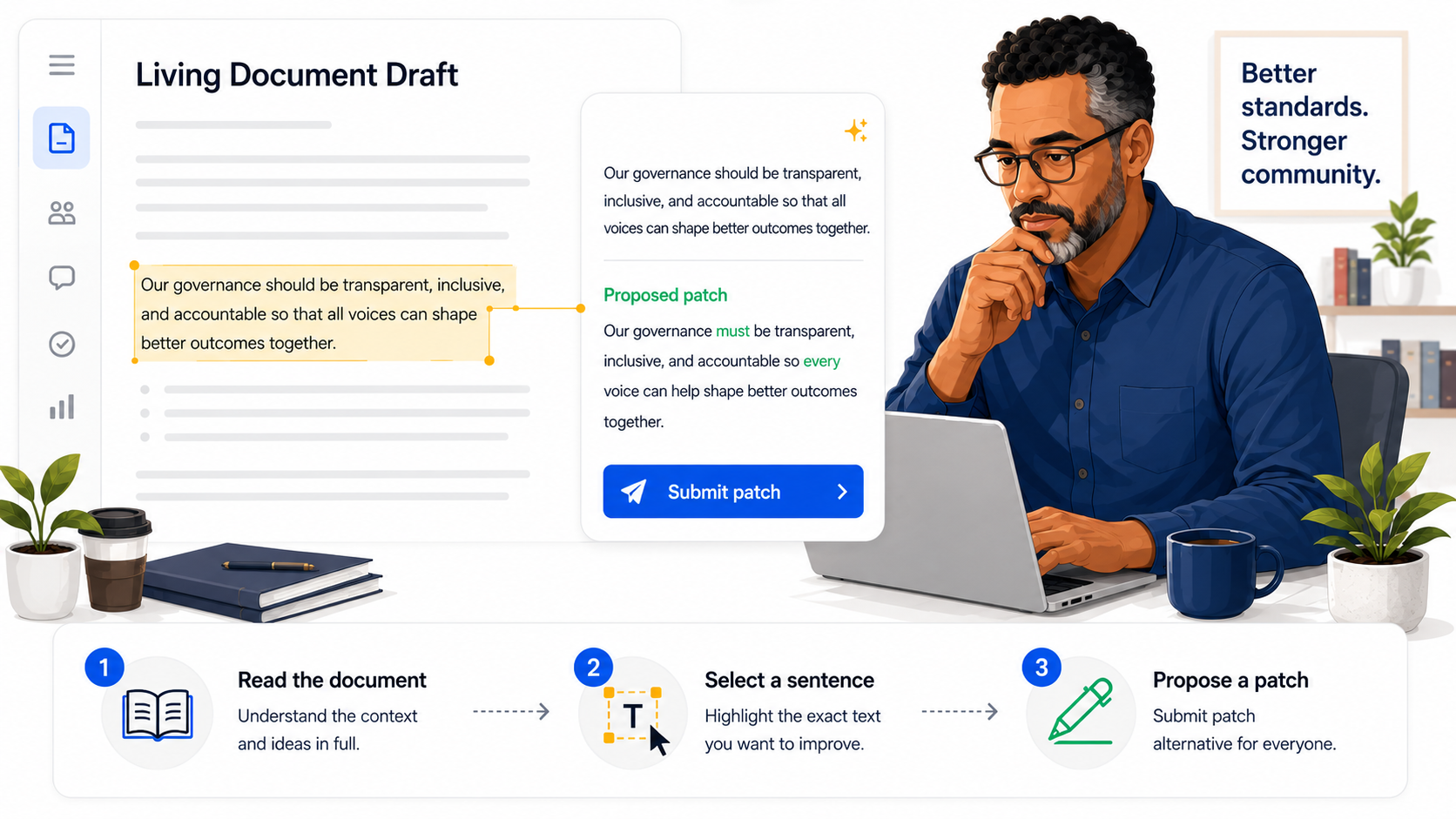
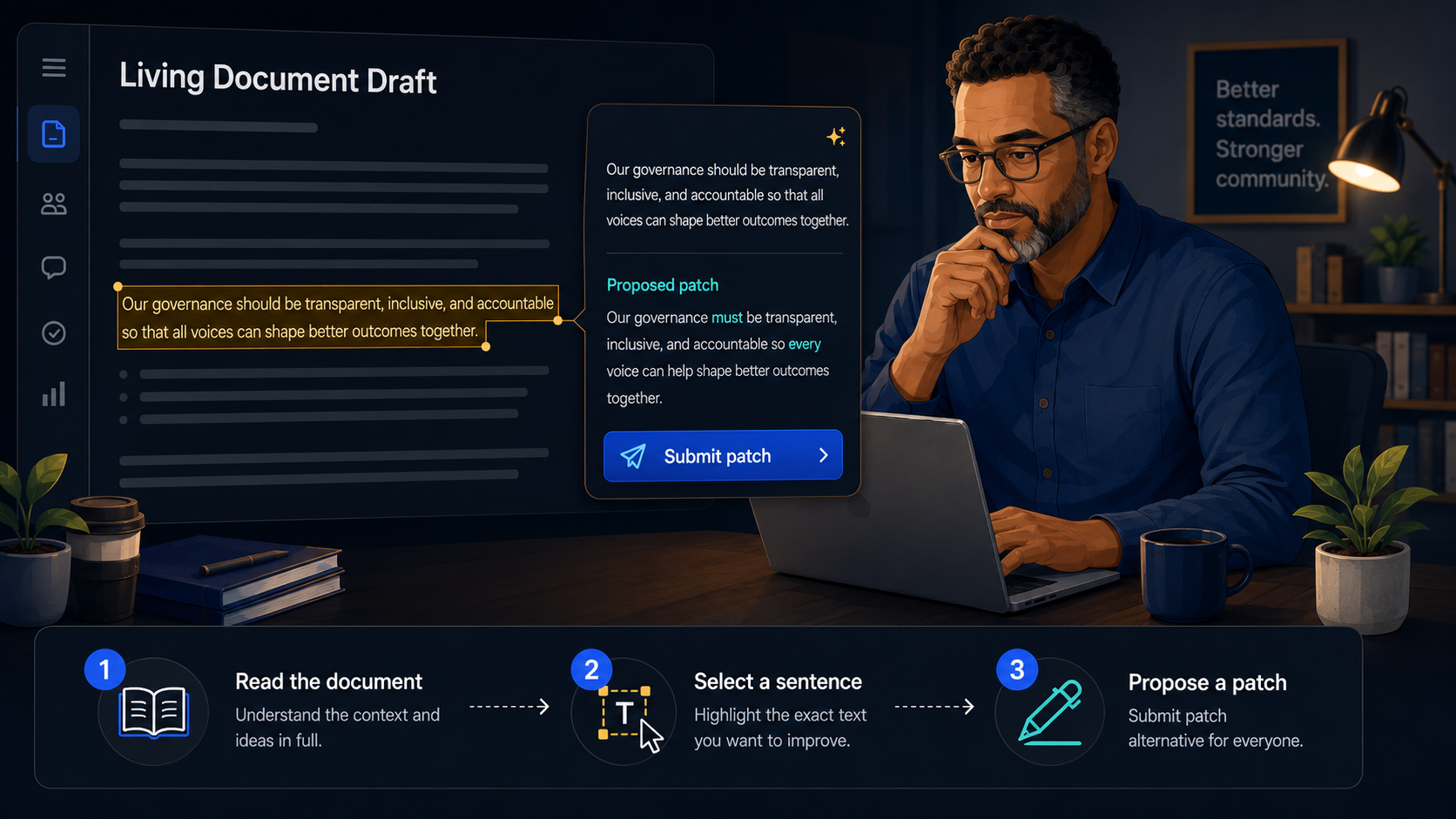
A patch is a suggested change to a specific passage in a living document. Instead of editing the document directly, you select the text you want to improve and propose clearer wording. Each patch stays tied to that passage so everyone can see exactly what you mean.
Patches are passage-level only—there are no whole-document patches. This keeps review focused and makes it easy to accept good ideas one sentence at a time.
How collaboration works
- Propose. Open a document, select the text you want to change, and submit your patched wording with a short rationale.
- Review. Others read your suggestion alongside the original passage. Comments and additional patches can stack on the same text.
- Merge. Document stewards accept patches that improve the text. Accepted patches become part of the document’s living history.
Start patching
Pick a document, read it in the Gov Hub reader, and look for the Propose a patch option when you select text. You can also browse existing patches on any document from its Patches tab.